Keeping Obsidian open on Samsung mobile devices
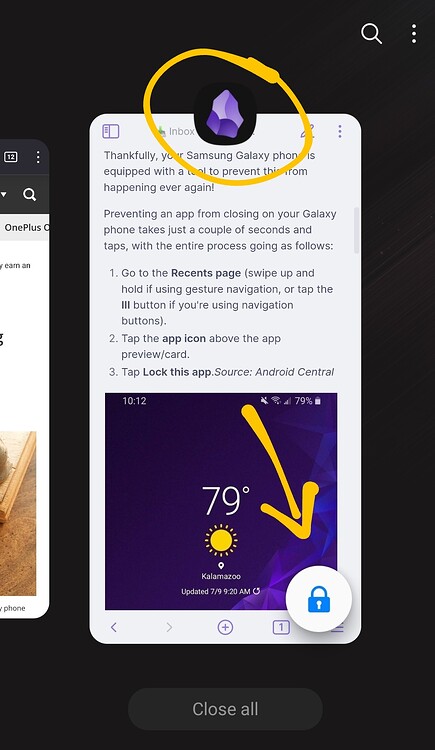
- Go to the Recents page (swipe up and hold if using gesture navigation, or tap the III button if you’re using navigation buttons).
- Tap the app icon above the app preview/card.
- Tap Lock this app / Keep open.
For me, on my Samsung S22 this prevents Obsidian from closing, and switching to Obsidian is always instant.