Turn Obsidian into a portable app
Part of Obsidian guides 📝 Published using Share Note
Turning Obsidian into a portable app is a 5 minute process using a free tool called Enigma Virtual Box. Here’s how:
-
Download Enigma Virtual Box from https://enigmaprotector.com/en/downloads.html and install it.
-
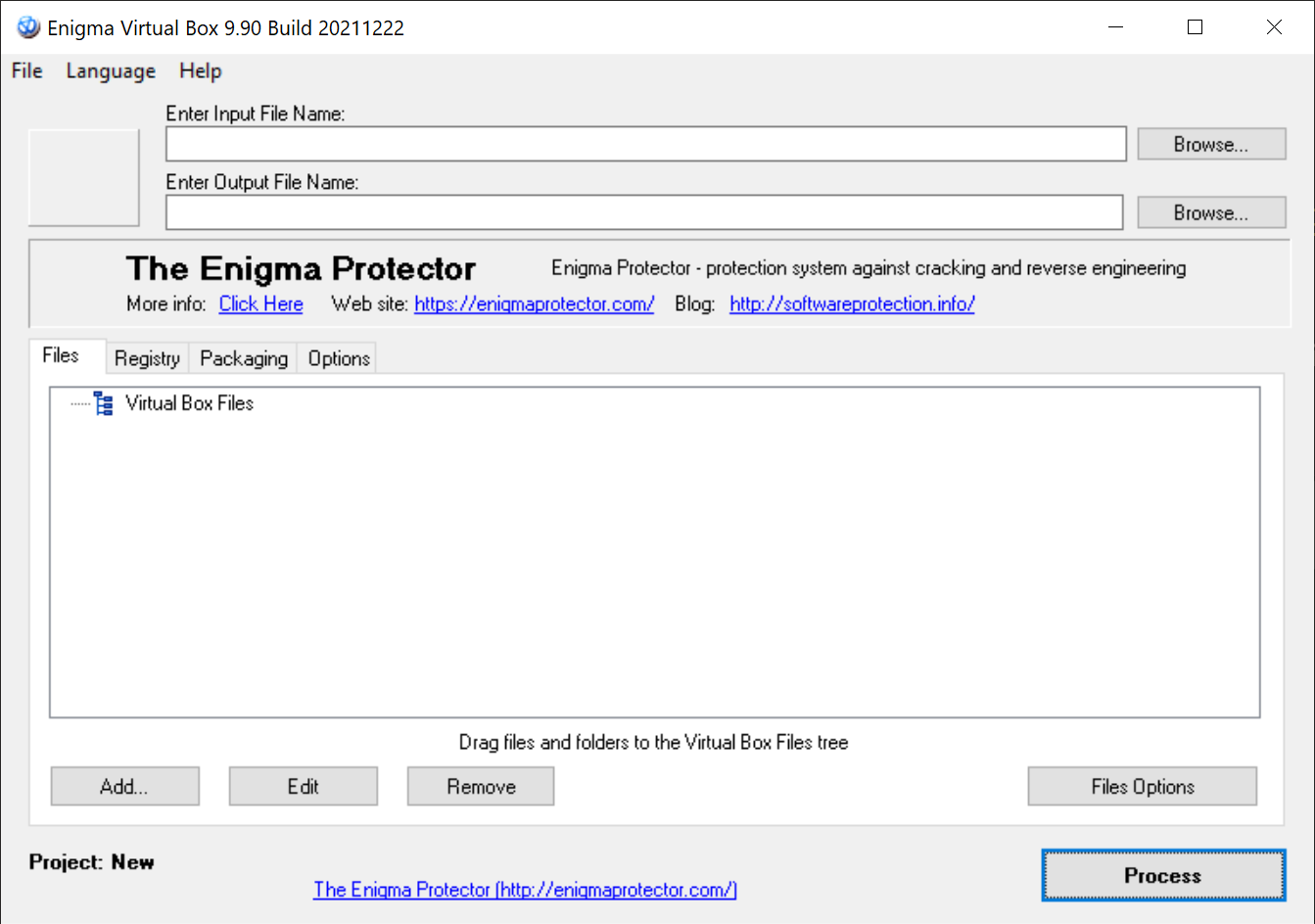
Run the app and it will look like this (version 9.9 is in these screenshots):
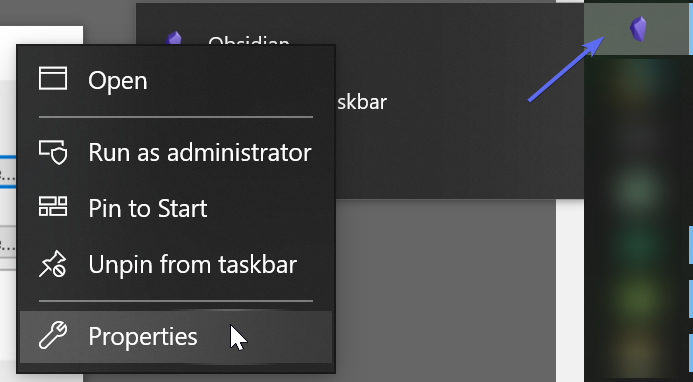
- Right click on your Obsidian app, right click on the word “Obsidian”, then click on Properties:
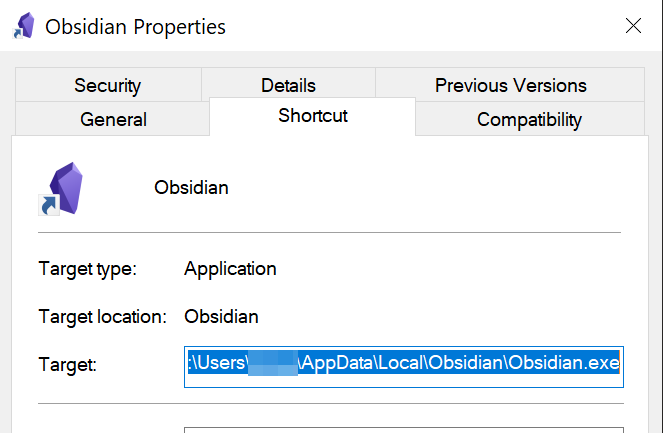
- Copy the full path to
Obsidian.exe:
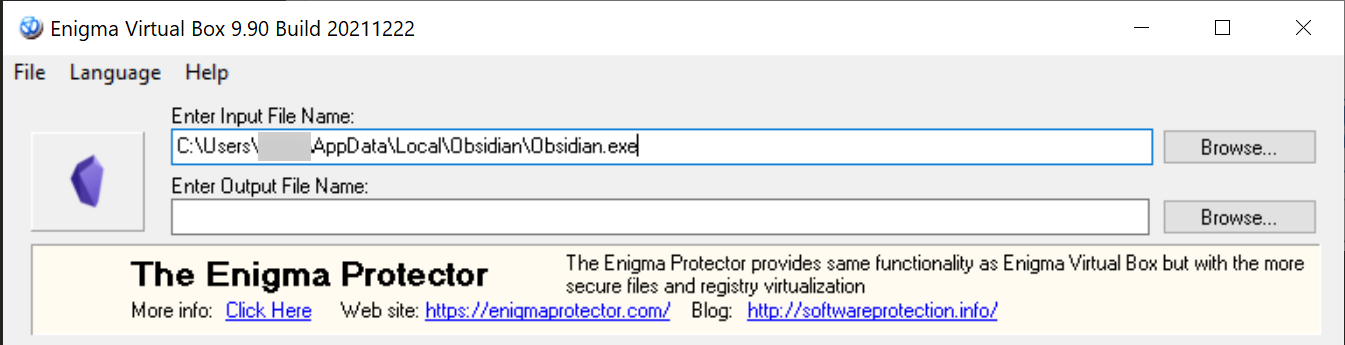
Paste that into the Enter Input File Name field:
-
Add any path you like for output file name.
-
Click on Add, then Add Folder Recursive:
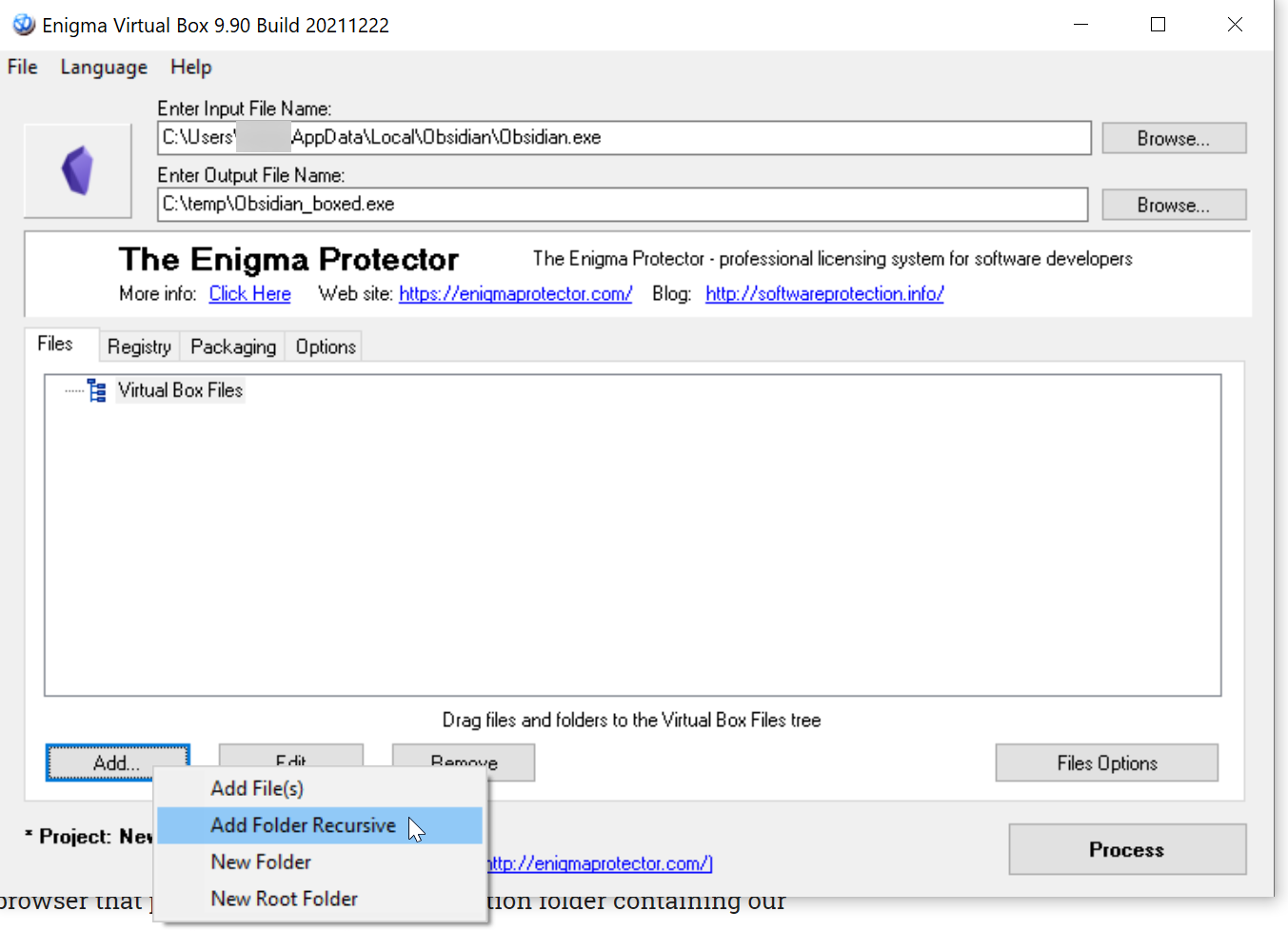
- Paste in the same folder from the
Obsidian.exestep, click OK and choose%DEFAULT FOLDER%:

- Click Process, and it will create the portable app for you.
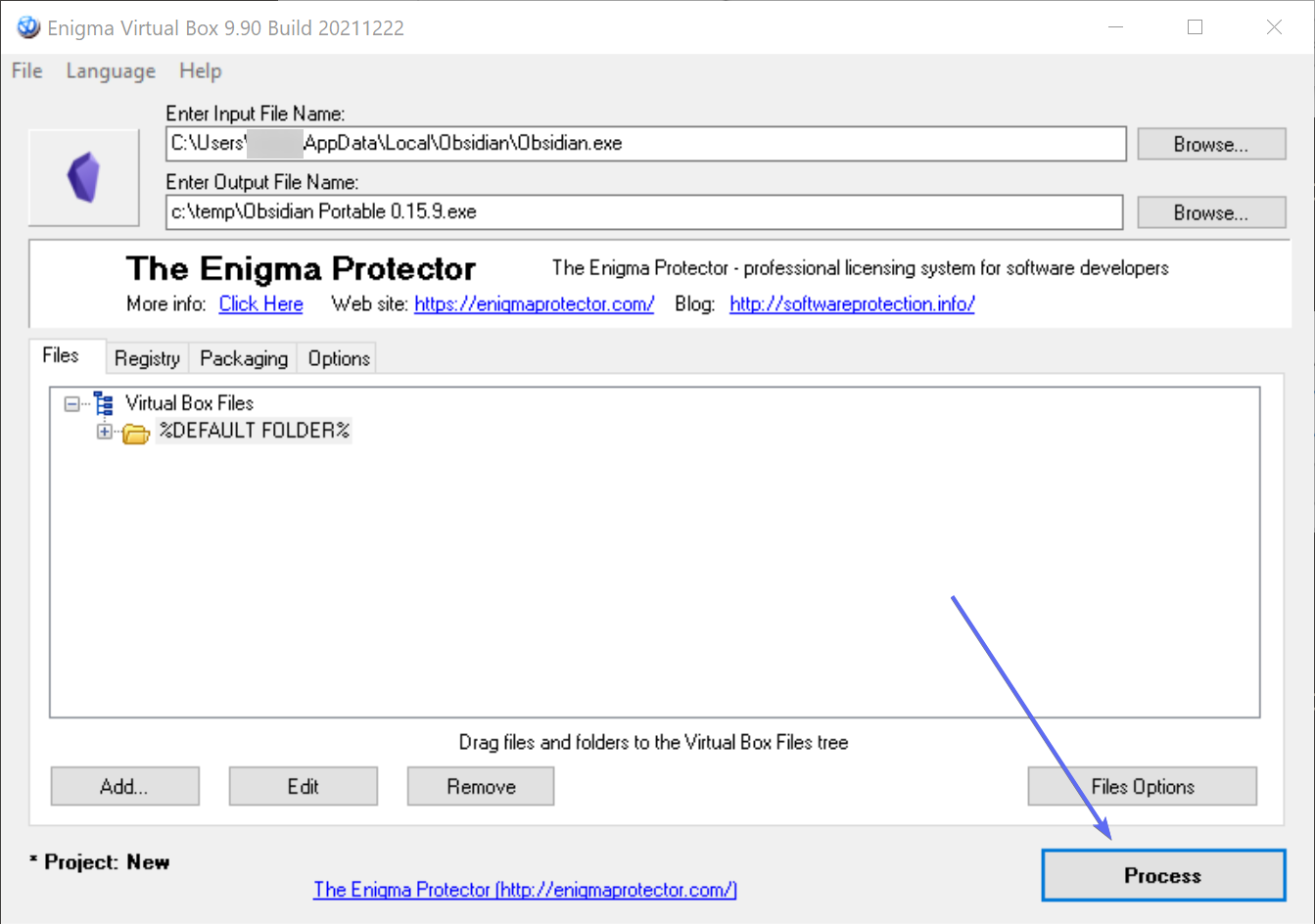
I have tested this app on a computer without Obsidian installed, running from a USB stick, and it worked perfectly.